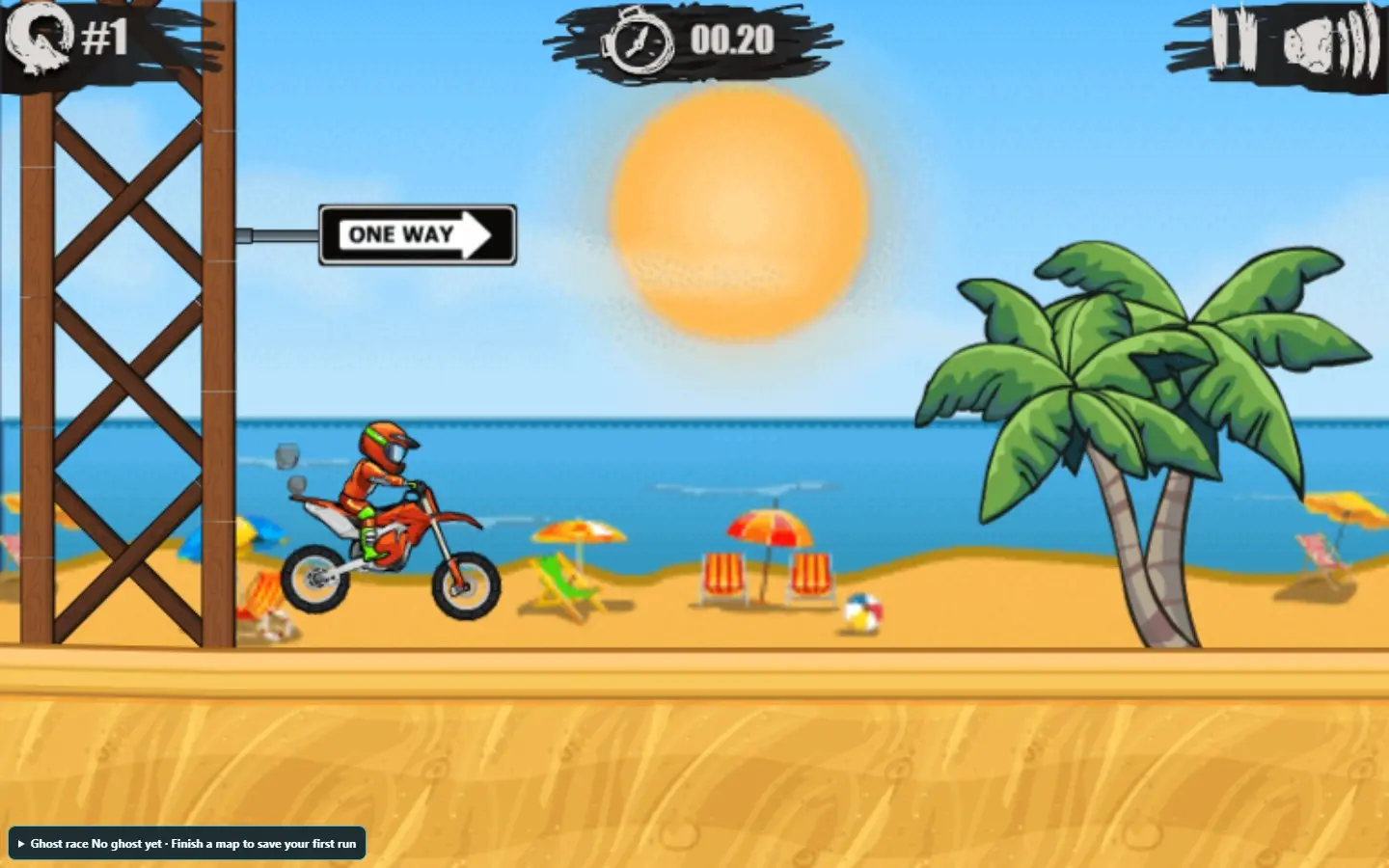
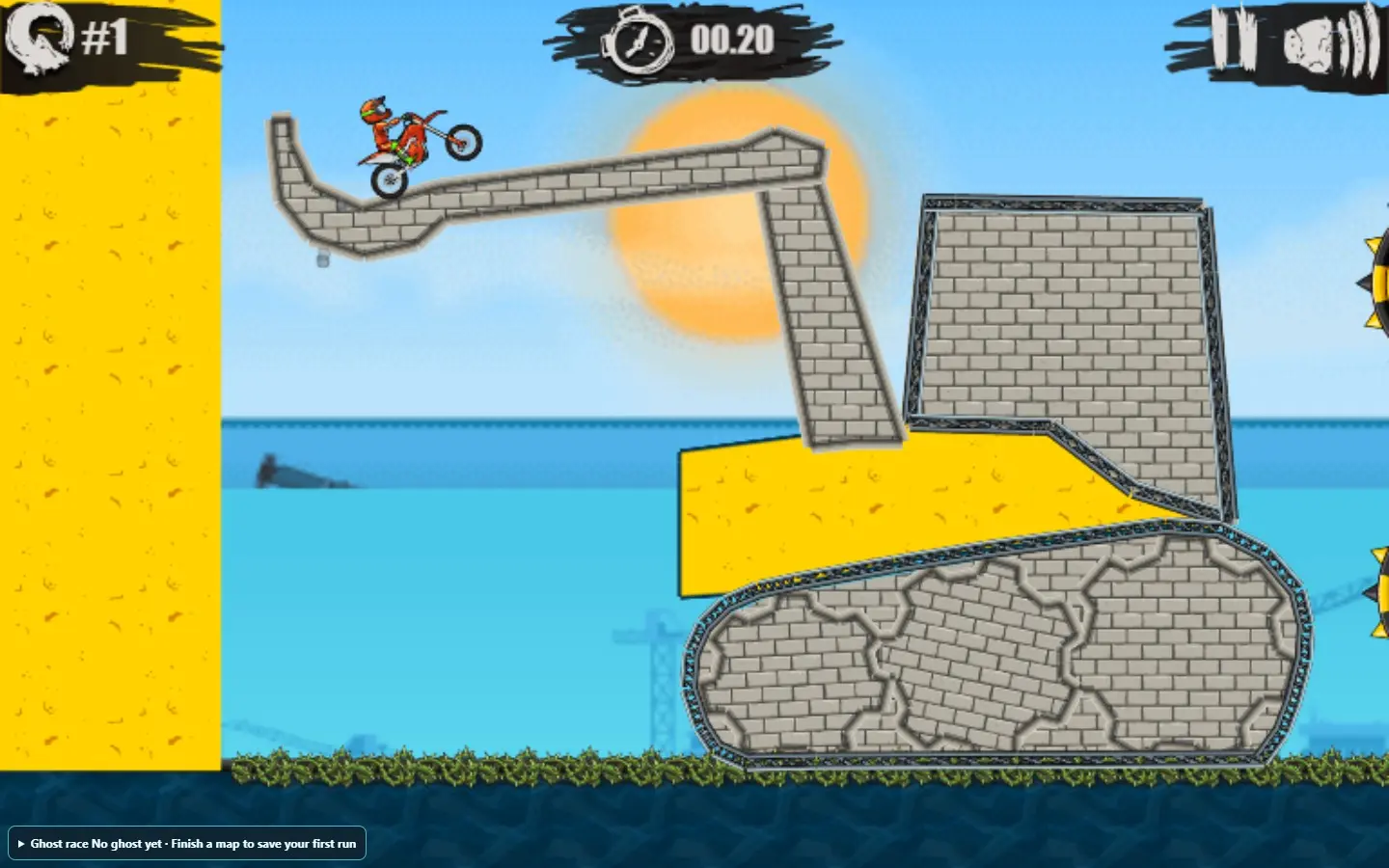
 RIDE & RACE
Learn what each control changes
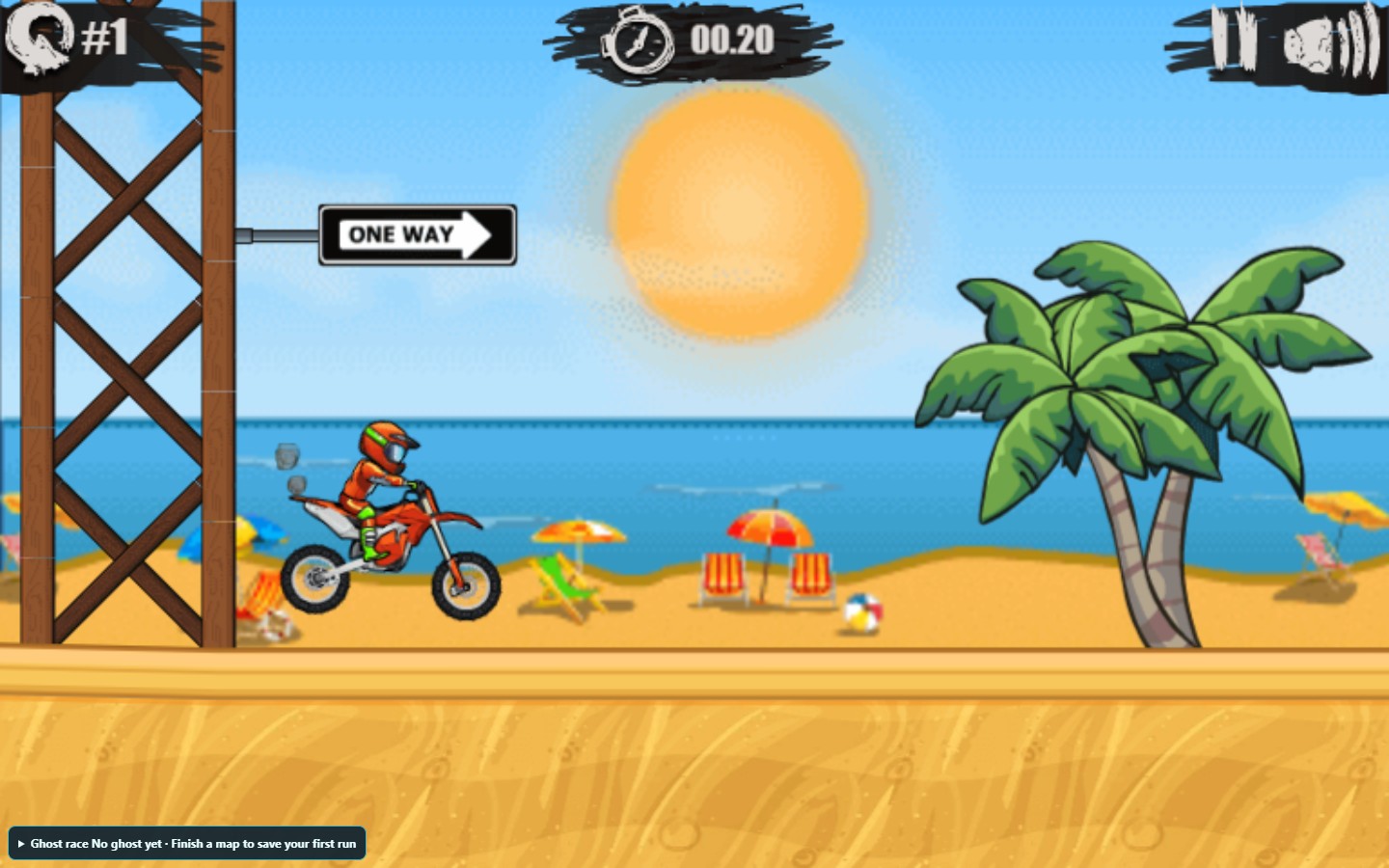
The throttle controls your pace, while the lean keys control the bike’s attitude. Hold Up or W to accelerate, use Down or S to brake, and use Left/A or Right/D to lean. On a touch screen, the on-screen arrows serve the same purposes. Start by combining forward movement with small balance corrections instead of holding every control continuously.
A short correction is easier to judge than a long rotation. Lean back to raise the front of the bike or lean forward to bring it down, then release the key as the wheels approach the angle you need. Your response depends on momentum and whether the bike is airborne, so watch the wheels rather than treating a key press as a fixed-size turn.
| Action | Keyboard | Use it for |
|---|---|---|
| Accelerate | ↑ / W | Approach a climb or build jump speed |
| Brake | ↓ / S | Reduce speed before a hazard |
| Lean back | ← / A | Adjust the bike’s pitch |
| Lean forward | → / D | Prepare the front wheel for landing |
| Restart | R | Start the level again |
| Retry after a crash | Space | Return to a checkpoint when available |
| Pause | P / Escape | Stop and resume the run |
Evidence: Controls, retries and pause
Plan the landing before leaving the ramp
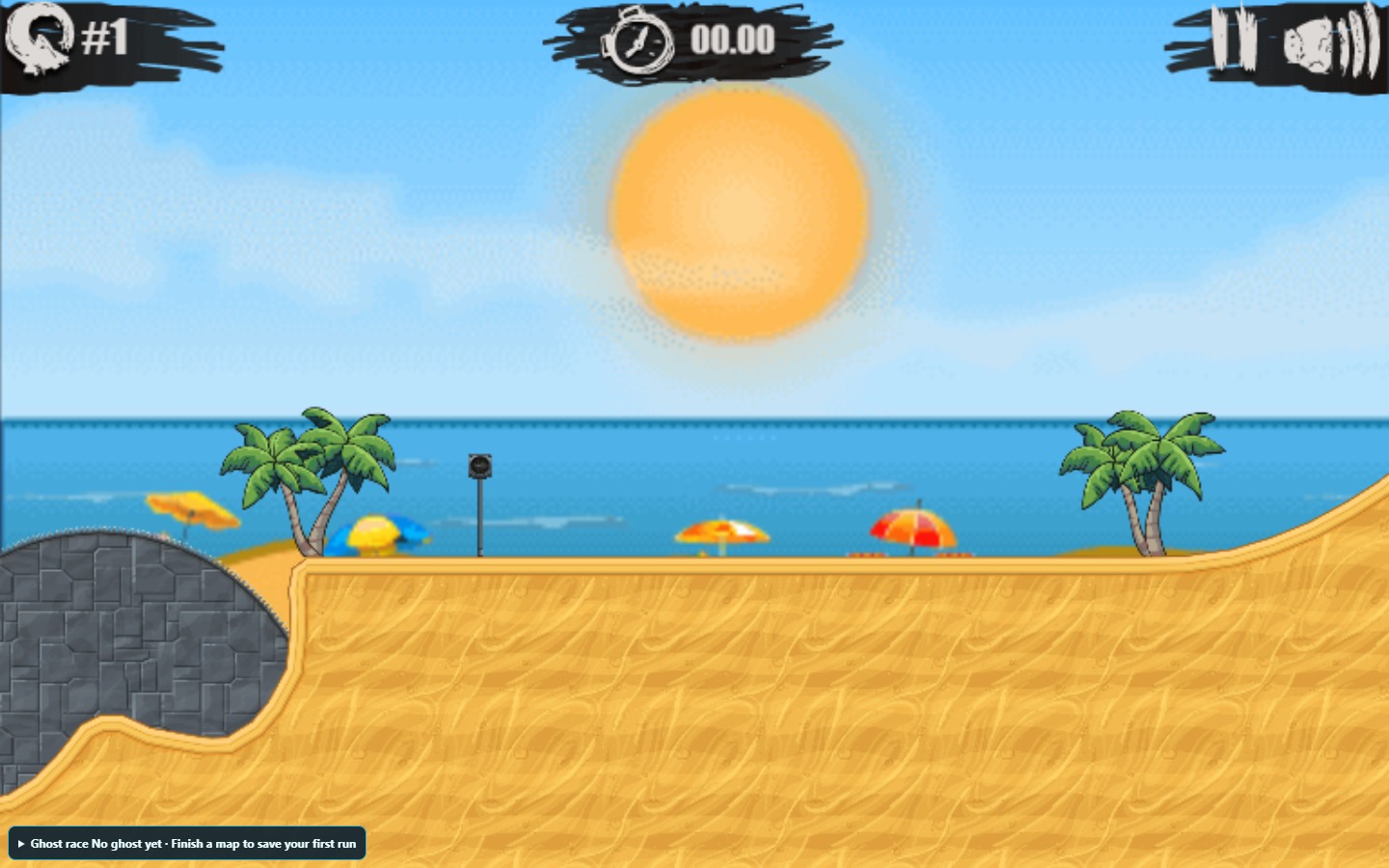
A jump is easier to manage when you know where the bike should land. Look at the slope beyond the gap before committing to the ramp. A rising surface calls for a different landing angle from a descending one. Carry enough speed to reach that surface, but avoid using extra rotation simply because the bike has left the ground.
A controlled landing gives you more options for the next obstacle. Bring the wheels into line with the receiving slope and make smaller corrections as the bike comes down. Arriving nose-first at a wall or with the rider below the wheels creates a crash that more throttle cannot correct. Establish a safe landing first; attempt a faster or more ambitious jump after you can repeat it.
 VIEW FULL SIZE +
Read moving obstacles as a sequence
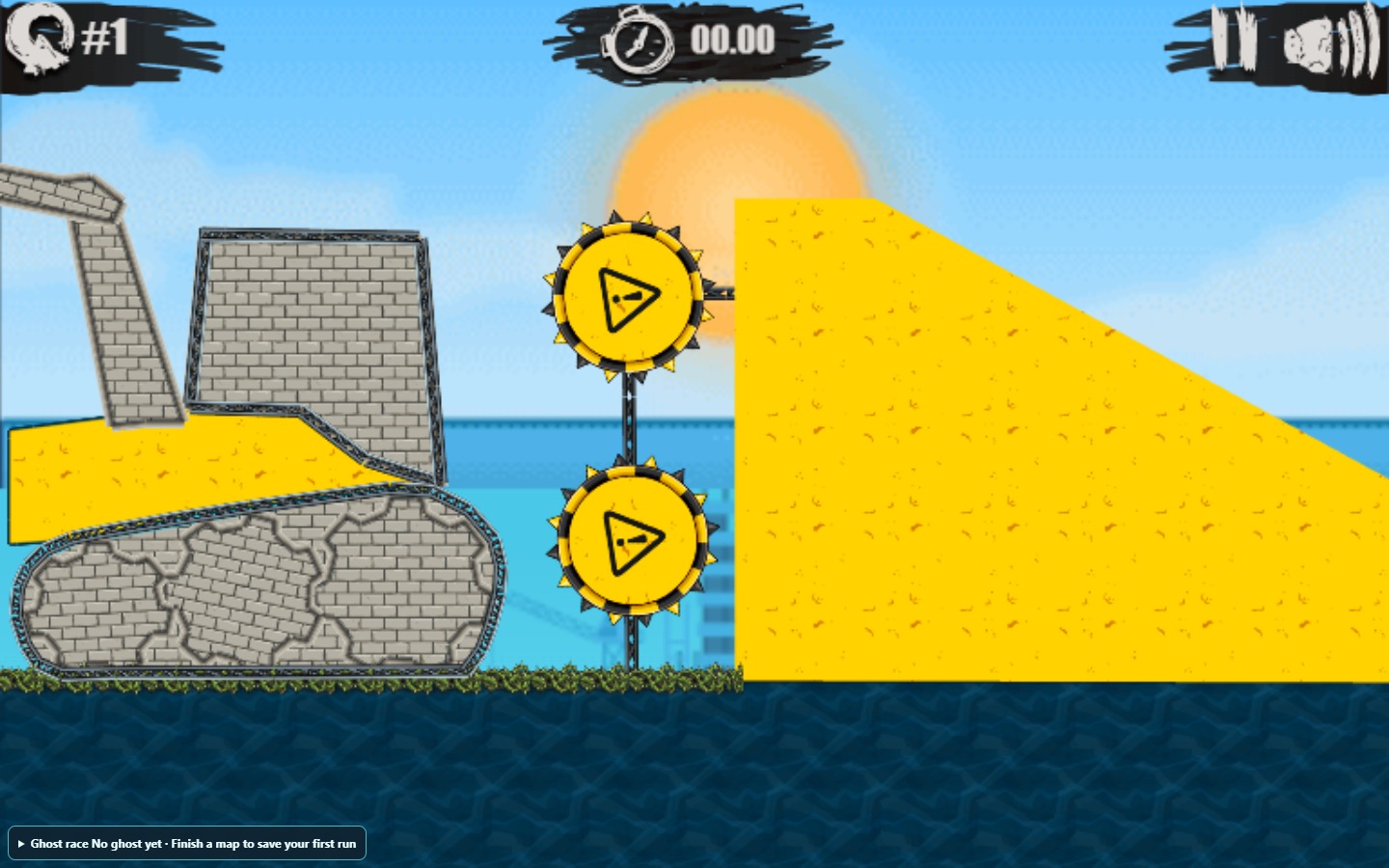
Moving hazards reward observation before commitment. A saw, hinged bridge or rotating platform may change position while you approach, and some mechanisms start only after you cross a trigger. Watch which surface is moving and where the next stable patch of road lies. Approach at a speed that still lets you stop before contact.
The visible opening has to remain usable long enough for the whole bike to pass. A gap that clears the front wheel can close around the rider or rear wheel. On your first visit, use the available safe ground to watch a cycle. On later attempts, shorten the wait by remembering the phase that gave you a clean crossing.
 VIEW FULL SIZE +
Use checkpoints to practise one problem at a time
Checkpoints make a difficult track easier to learn in sections. Reach the checkpoint marker before taking risks farther ahead. After a crash, Space retries from a saved checkpoint when one is available; R restarts the whole level. On touch devices, use the game’s retry interaction after a crash.
A retry is also a chance to read the mechanism again. Do not assume that a moving object will be in the identical phase you remember from your last approach. Look at the actual scene after respawning, settle the bike and then repeat the part you are trying to learn. This is more useful than making a different uncontrolled jump on every attempt.
Evidence: Controls, retries and pause
Separate completing the level from improving its time
The first useful target is a repeatable finish. Stars are awarded from the level’s time thresholds, so a completed run and a three-star run are different achievements. Learn where you lose balance, wait unnecessarily or take a poor approach before trying to remove every pause.
Ghost mode adds a separate winning condition. Its recorded opponent has a target time that you must beat strictly; a tie does not win. City and Alter map records, meanwhile, compare saved runs for that particular map. Choose the measure you are improving, because a good star result, a Ghost victory and a leaderboard position do not all mean the same thing.
Evidence: Star result calculation · Ghost targets and recorded opponents
Build a short practice routine
A focused practice session improves one habit at a time. Begin on Classic 1, make a run using only essential lean corrections, then repeat it while watching the landing area farther ahead. Move to City 1 when you are comfortable braking before machinery. Use Alter once you can recognise the difference between the bike’s angle and the direction gravity is pulling it.
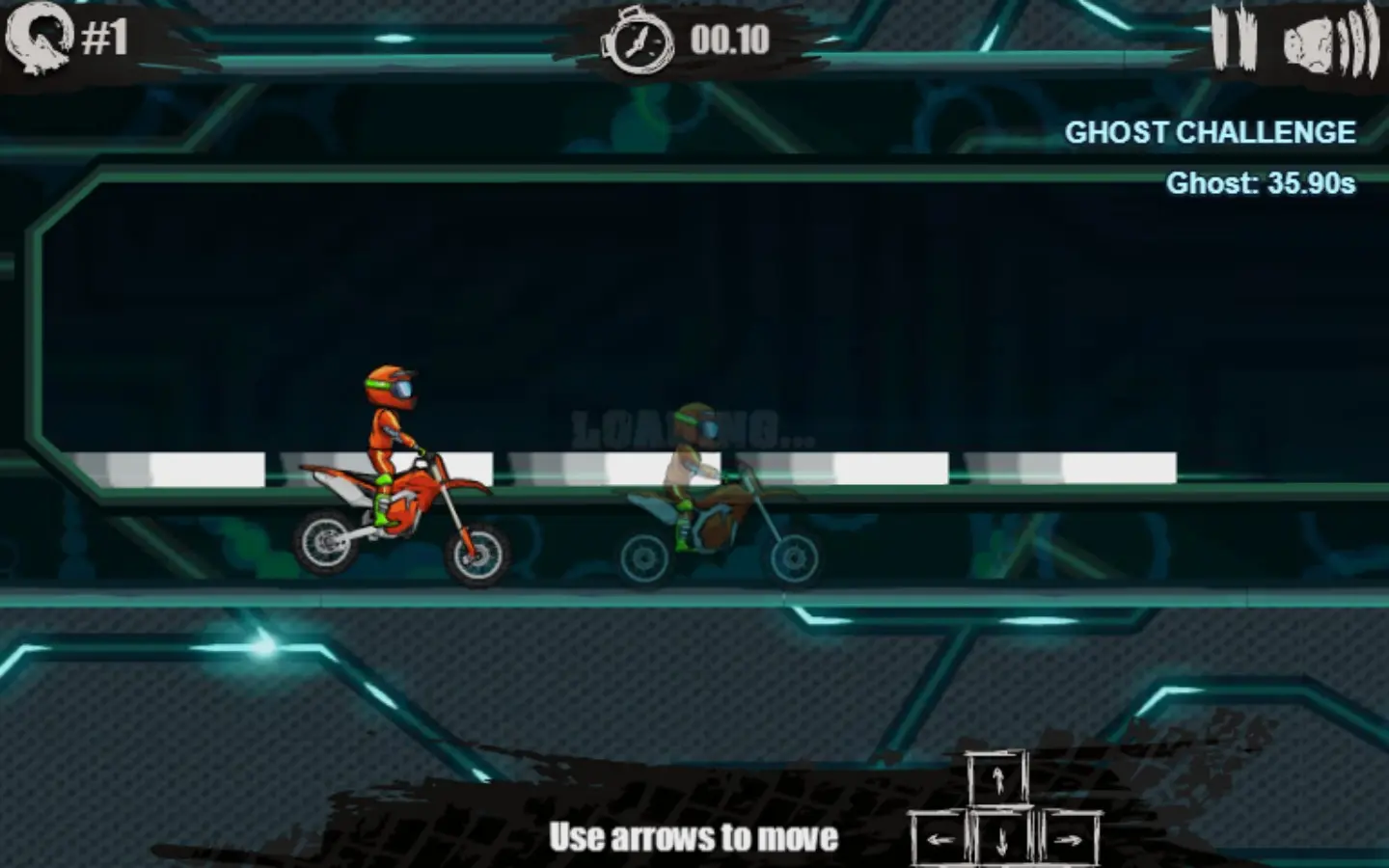
A recorded opponent becomes most useful after the road is familiar. In Ghost 1, notice one place where the replay pulls away and work on that section. This turns the ghost into a visible comparison instead of a reason to chase recklessly through a part of the course you have not learned.
ABOUT THIS GUIDE
Sources & verification
Controls and result behavior were checked in the current game code. Track examples are supported by map data and captured scenes. Riding tips are practical guidance rather than a tested input sequence.
What the gameplay evidence covers
The illustrated Alter material includes a short keyboard-driven transition. This beginner article has no recorded full-level keyboard playthrough.
Layouts show initial geometry. Suggested riding approaches are not certified input sequences. No named human reviewer is currently credited.
- Classic 1 level data1 checkpoint; 3 / 2 / 1 star thresholds: 13 / 20 / 28 seconds.
- City 1 level data3 checkpoints; 3 / 2 / 1 star thresholds: 22 / 30 / 36 seconds.
- Ghost 1 level data3 checkpoints; 3 / 2 / 1 star thresholds: 34 / 41 / 49 seconds.
- Controls, retries and pauseThe input controller defines arrows and WASD; Gameplay defines restart, crash retry and pause handlers.
- Star result calculationpostRace compares the game timer with every map prize threshold using an at-or-below comparison.
- Ghost targets and recorded opponentsGhost victory uses a strictly faster time; visual replays are separate from the player physics bodies.
- Introduction screenshot recordDates, scene IDs and image hashes for the original six game images.
- Level-detail screenshot recordCapture methods, map IDs, image hashes and the isolated Alter 3 gate check.
First published · Updated
Latest revision: Added explicit sources, per-guide verification coverage, AI preparation disclosure and correction instructions. Clarified the distinction between screenshots, mechanism inspection and completed playthroughs.