 RIDE & RACE
Learn the normal route before the first transition
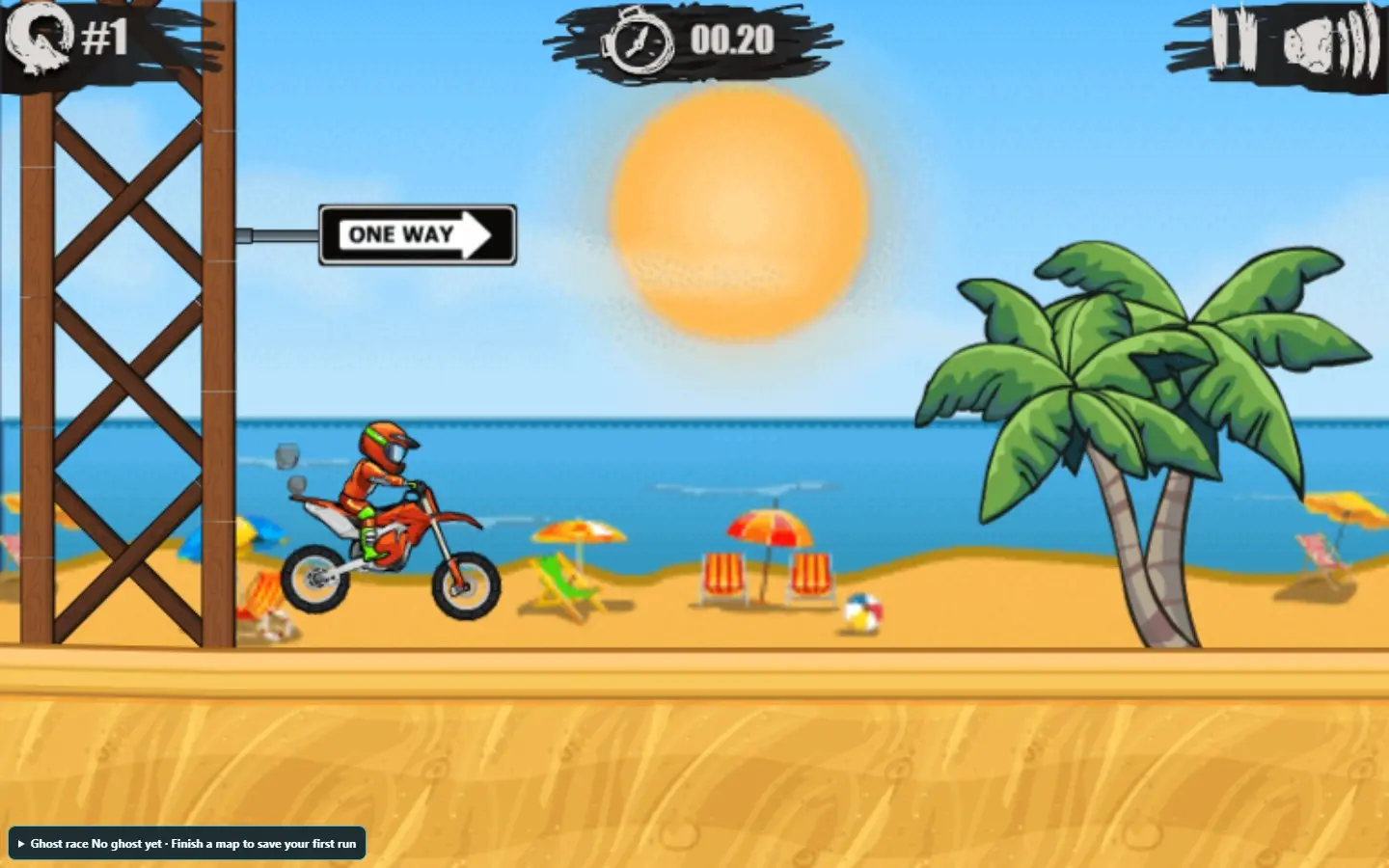
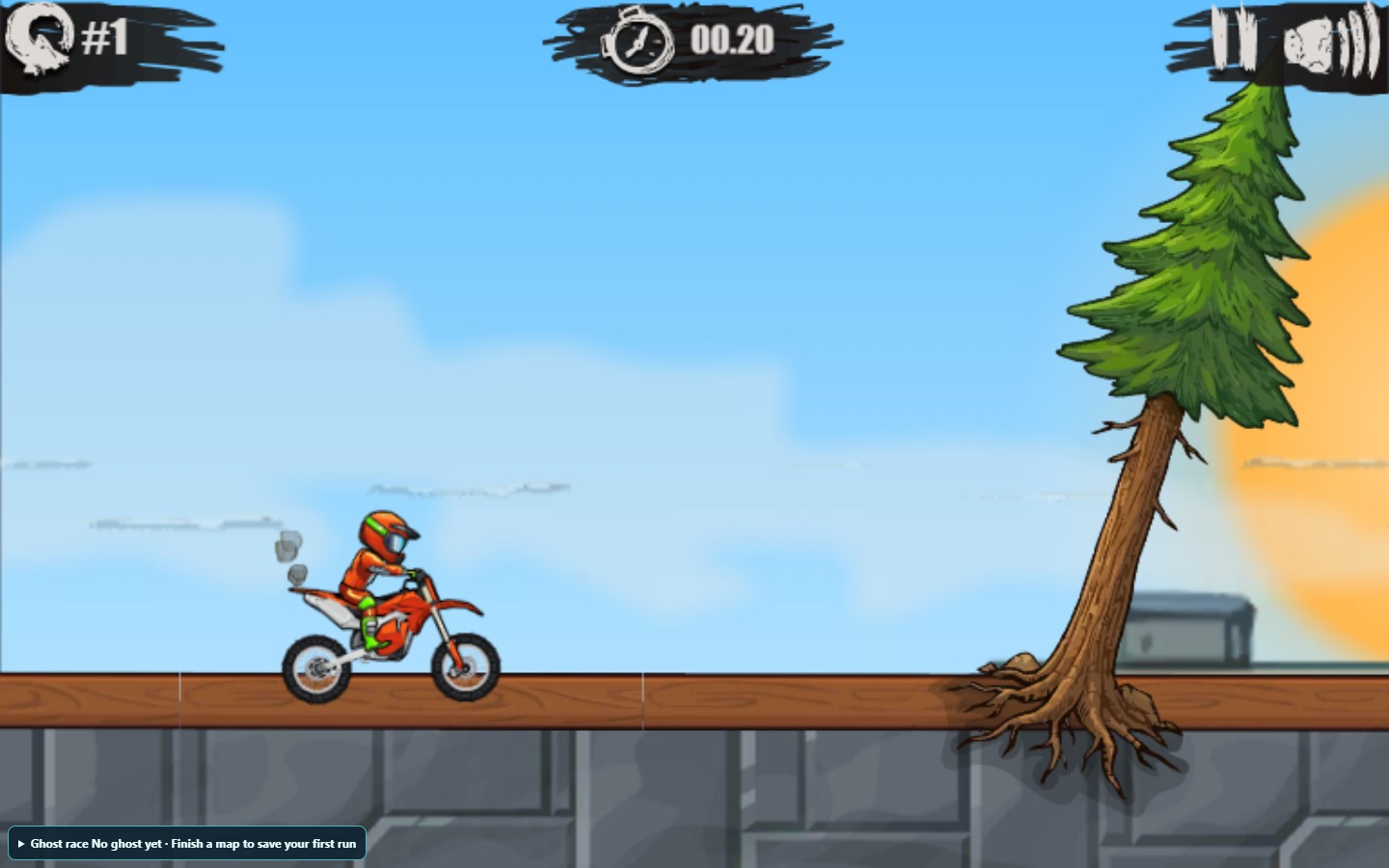
The bright starting world gives you a familiar direction for gravity and support. Begin with the usual throttle and balance controls, then look ahead to the boost and the first change of world. You need a controlled approach because the transition changes how the next surface supports the bike.
The boost is an approach aid rather than a substitute for steering. Collect it with a settled frame and observe where the road is taking you. Large last-second rotations make it harder to recognise what the bike should do when the active world changes.
 VIEW FULL SIZE +
Use the bike’s contact with the road to read the flip
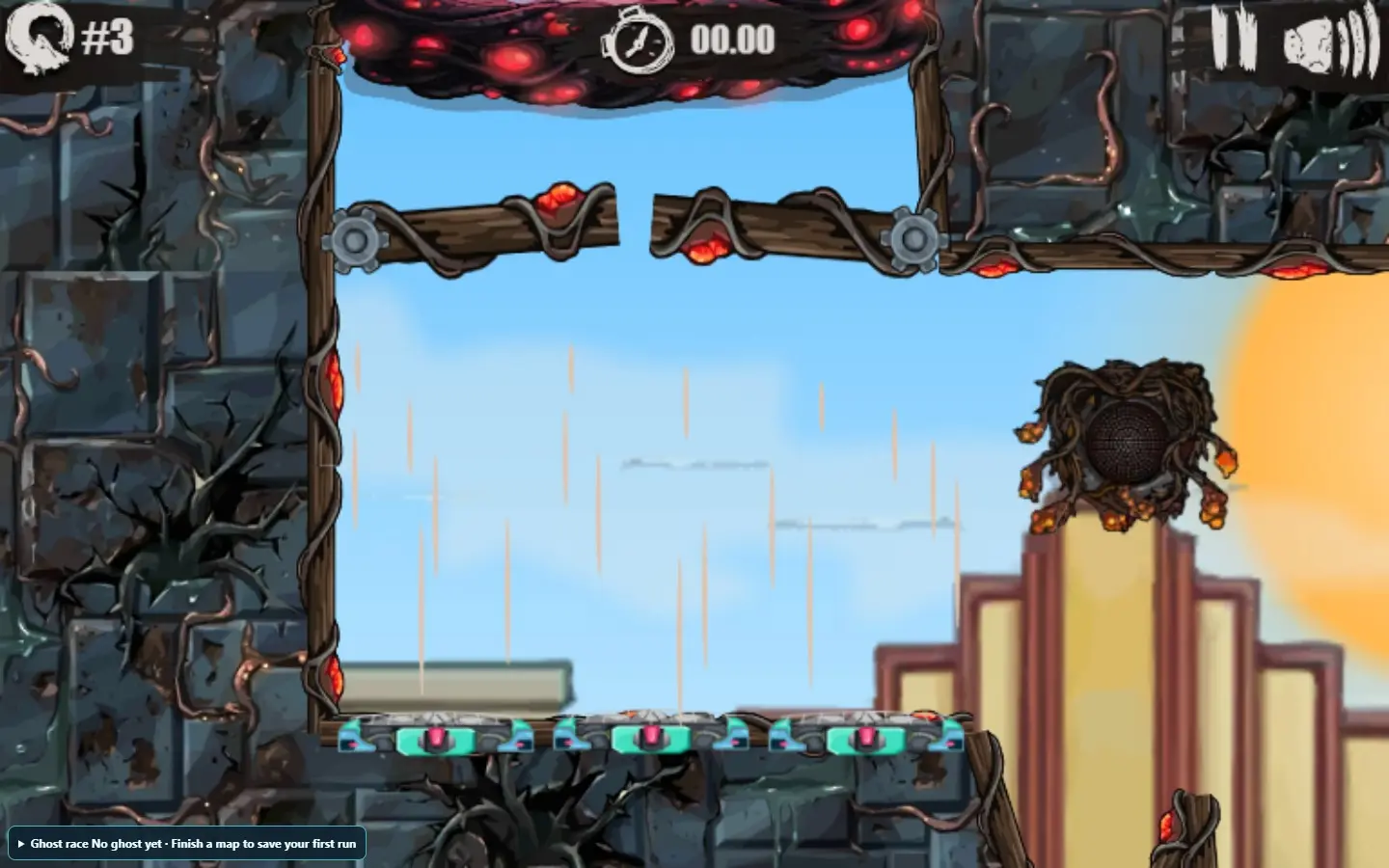
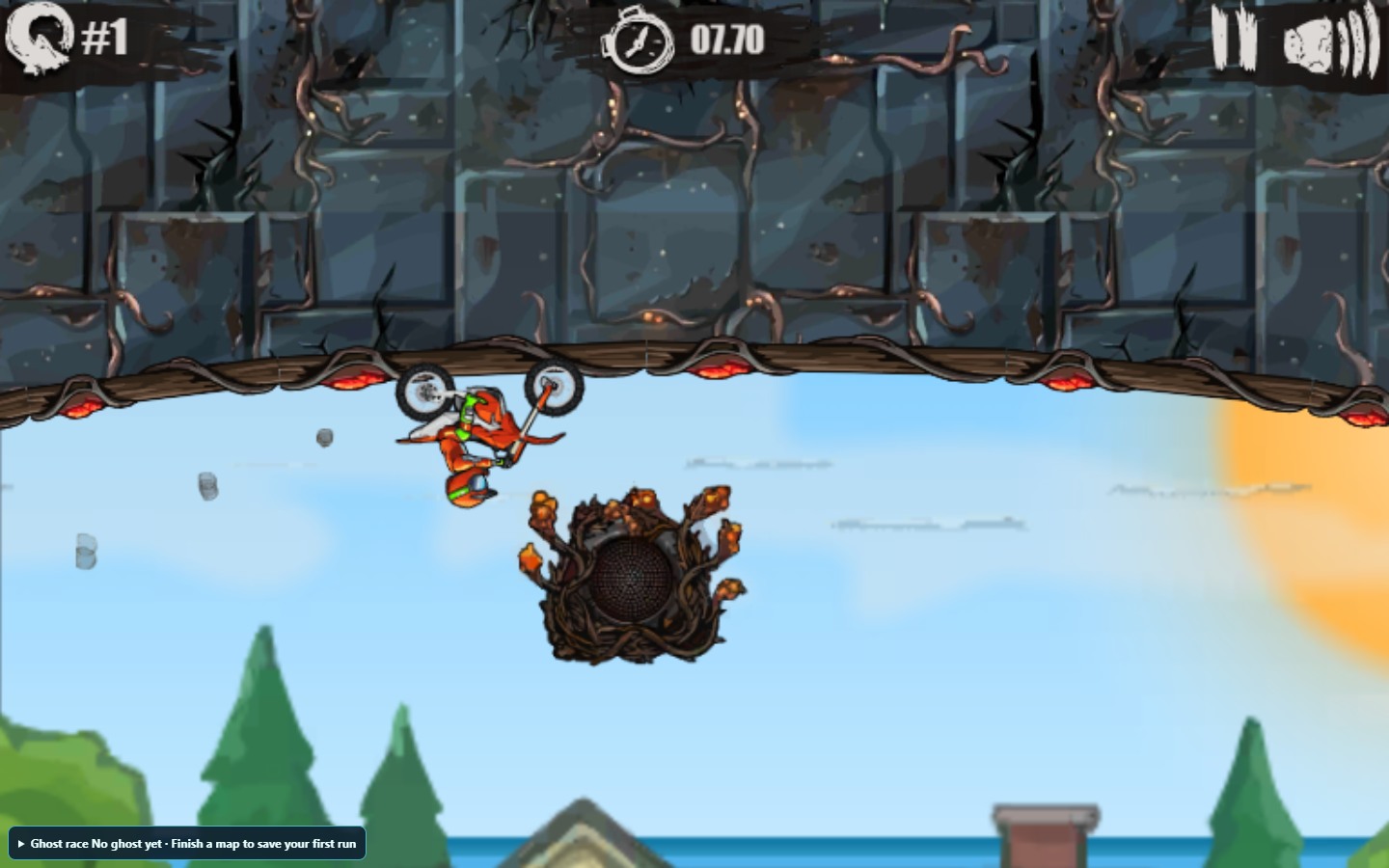
The world transition flips the bike and changes the direction gravity pulls it. After entering the alternate world, identify the surface the tyres should hold rather than trying to turn the rider upright relative to the screen. An upside-down rider can be the correct riding position in that world.
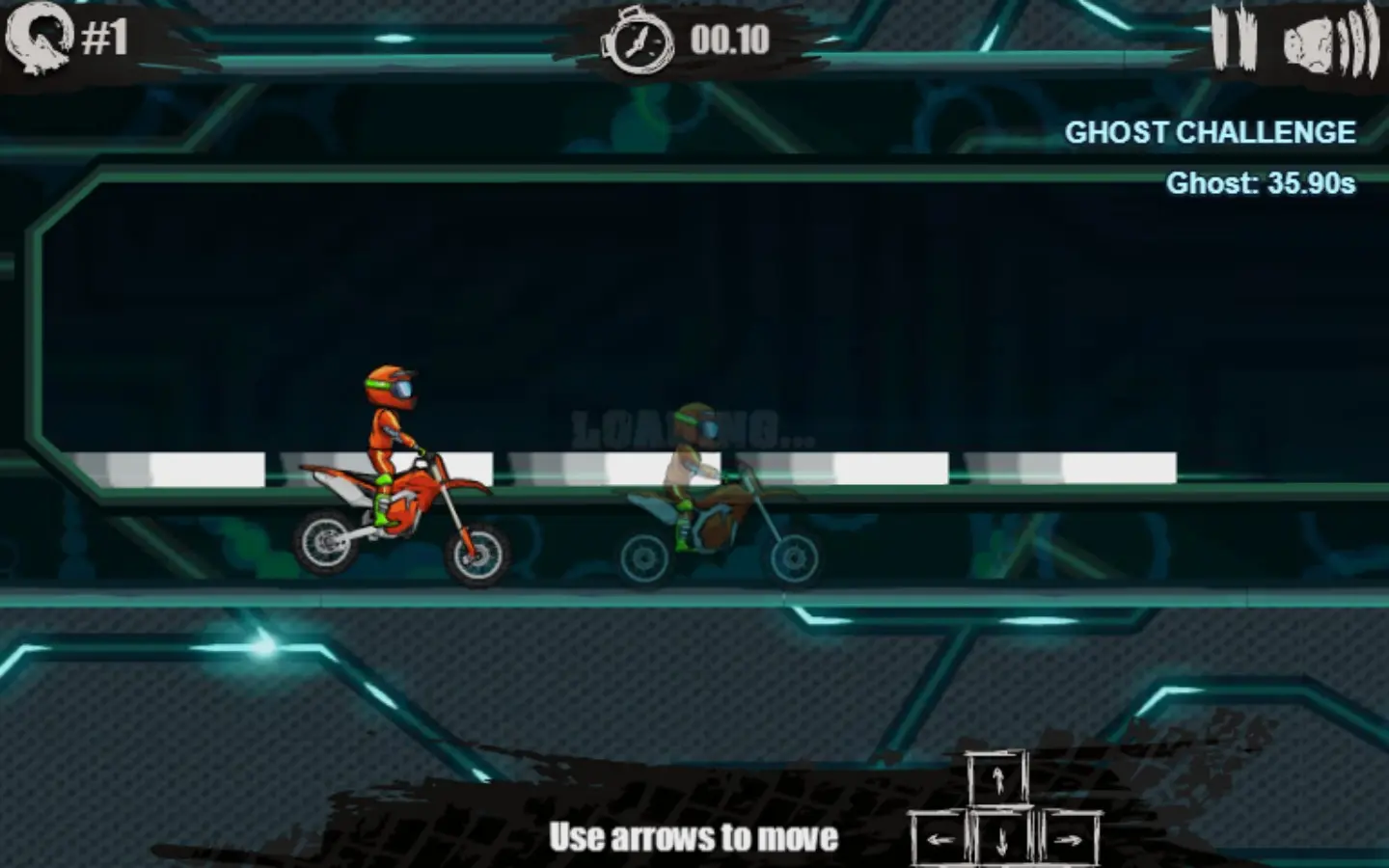
Forward movement still comes from the throttle after the flip. Use Up or W to accelerate and make small lean adjustments based on what the wheels are doing. A long correction based only on the rider’s screen orientation can push the frame away from a usable surface. Give the bike a moment to establish contact before making another large input.
 VIEW FULL SIZE +
Evidence: Alter world ownership and bike flipping · Level-detail screenshot record
Read each world as its own set of surfaces
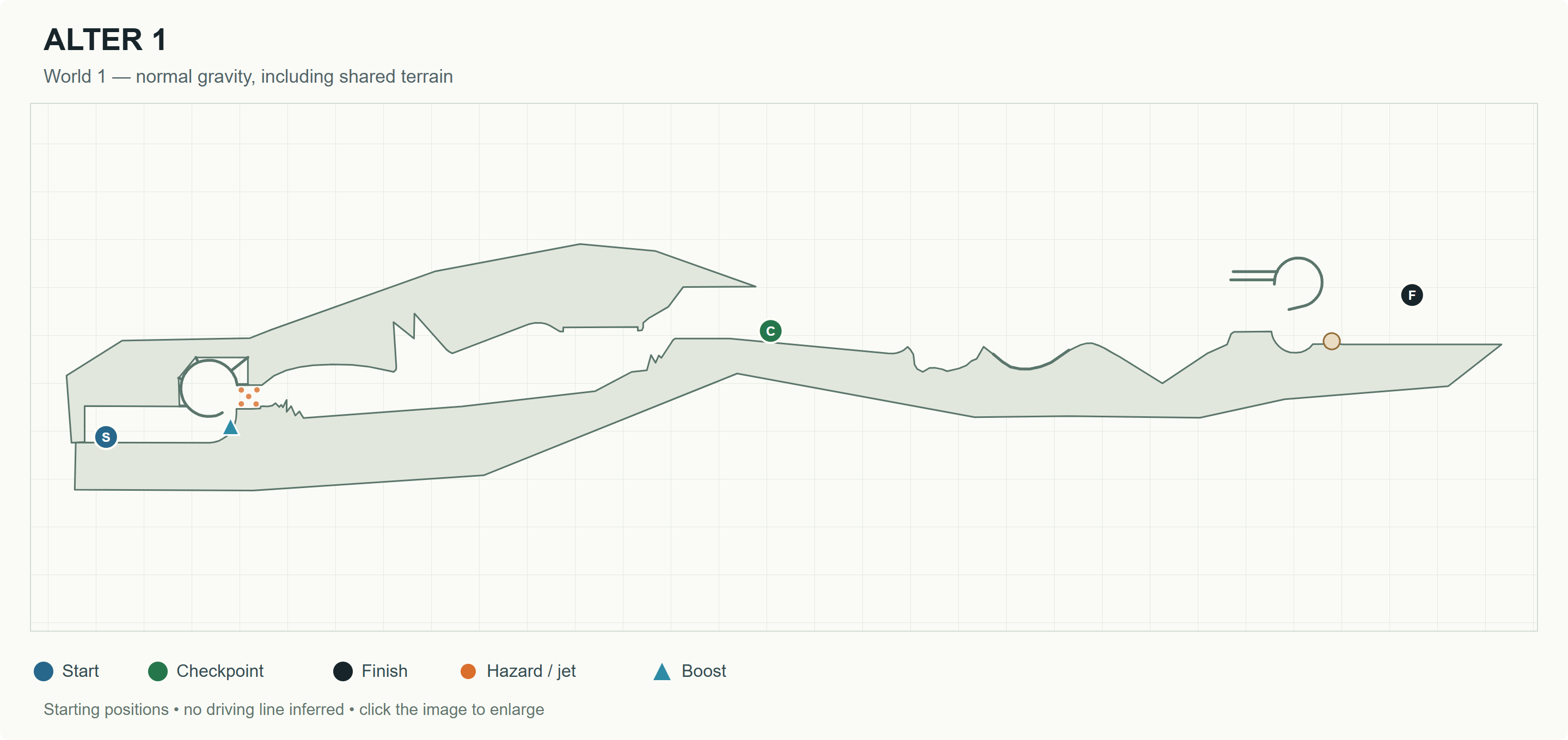
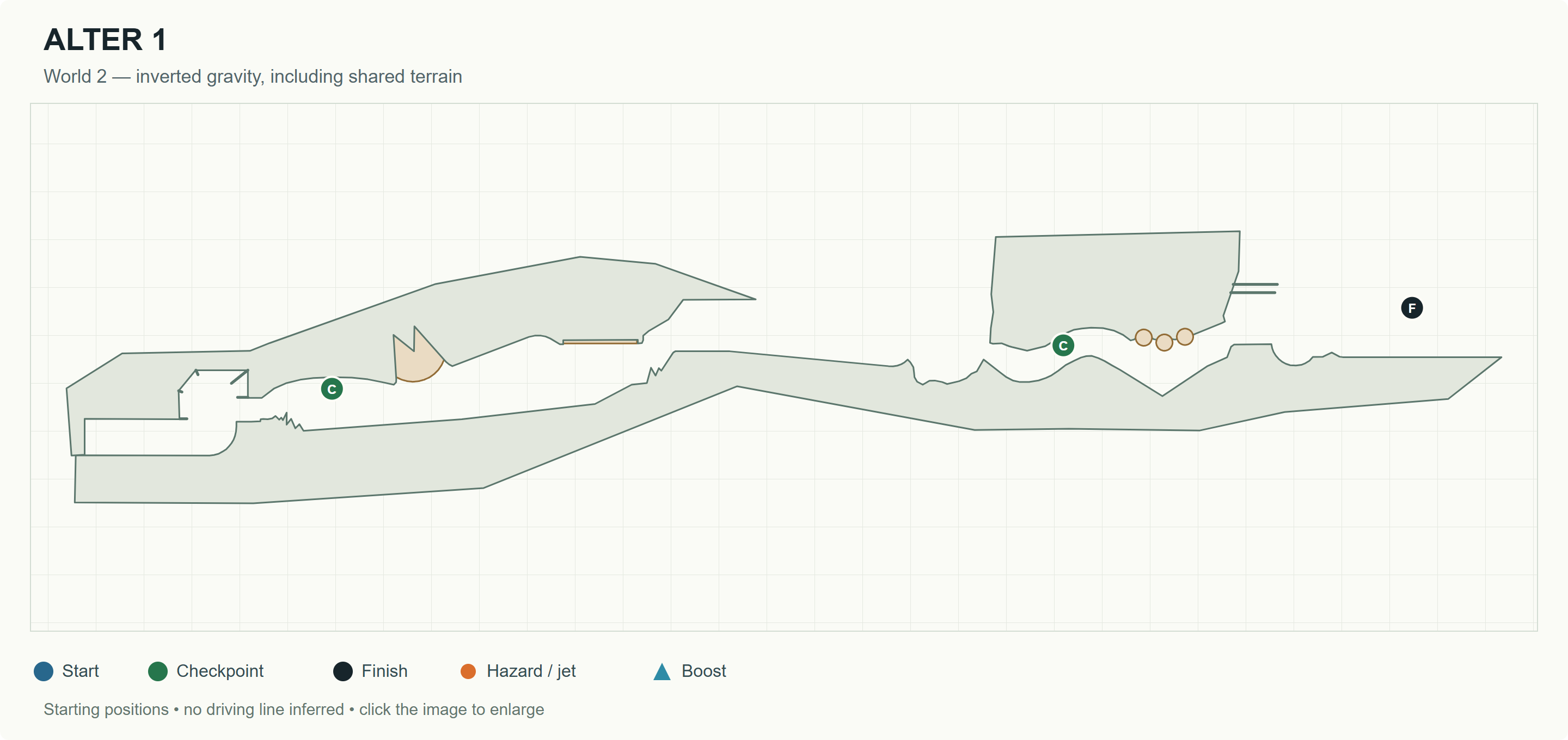
The two worlds have different active geometry, so a visible location in one world does not promise support in the other. Follow the intended transitions and look at the platform that becomes available after each one. The paired drawings below separate the layouts to make those changes easier to see.
The drawings show the same level coordinates in two states rather than two independent courses. Start and finish locations remain useful landmarks, while a world-specific checkpoint belongs to the state in which it was reached. In play, the scene and the bike together tell you which state is active.
 VIEW FULL SIZE +
 VIEW FULL SIZE +
Evidence: Alter 1 level data · Map facts and diagram provenance
Let checkpoints anchor the changing route
Three checkpoints help divide Alter 1’s alternating route into learnable sections. After a retry, check the current world and the bike’s position before accelerating. The correct support may still be above the rider, and forcing a normal-world landing angle into an inverted section can cause a crash.
Return transitions deserve the same attention as the first flip. Look at the receiving road and use restrained inputs as gravity changes back. Once both directions of transition feel repeatable, improve your line between them rather than trying to win time by guessing the next world’s shape.
Evidence: Alter 1 level data
ABOUT THIS GUIDE
Sources & verification
The two gravity values, world-specific objects and three checkpoints were checked against map data. Both layout diagrams include shared static terrain.
What the gameplay evidence covers
A real Arrow-Up-driven run from the start through the first transition was captured with the bike alive and physically flipped. This supports that transition, not a full-level completion.
Layouts show initial geometry. Suggested riding approaches are not certified input sequences. No named human reviewer is currently credited.
- Alter 1 level data3 checkpoints; 3 / 2 / 1 star thresholds: 29 / 34 / 40 seconds.
- Controls, retries and pauseThe input controller defines arrows and WASD; Gameplay defines restart, crash retry and pause handlers.
- Alter world ownership and bike flippingThe bridge assigns world ownership, copies shared static terrain into both spaces and applies the changed bike pose and controls.
- Introduction screenshot recordDates, scene IDs and image hashes for the original six game images.
- Level-detail screenshot recordCapture methods, map IDs, image hashes and the isolated Alter 3 gate check.
- Map facts and diagram provenanceLayout source hashes and the coordinate method. Diagrams show initial geometry, not a played route.
First published · Updated
Latest revision: Added explicit sources, per-guide verification coverage, AI preparation disclosure and correction instructions. Clarified the distinction between screenshots, mechanism inspection and completed playthroughs.